Android 7.0+ · allow "install from unknown sources"
FAQ
Good to know
No. OwnMic works entirely on your local network — Wi-Fi or a phone hotspot. Nothing is sent to the internet and there's no account.
Yes. Turn on your phone's mobile hotspot and connect the PC to it, or use the PC's Mobile Hotspot — OwnMic discovers your PC either way.
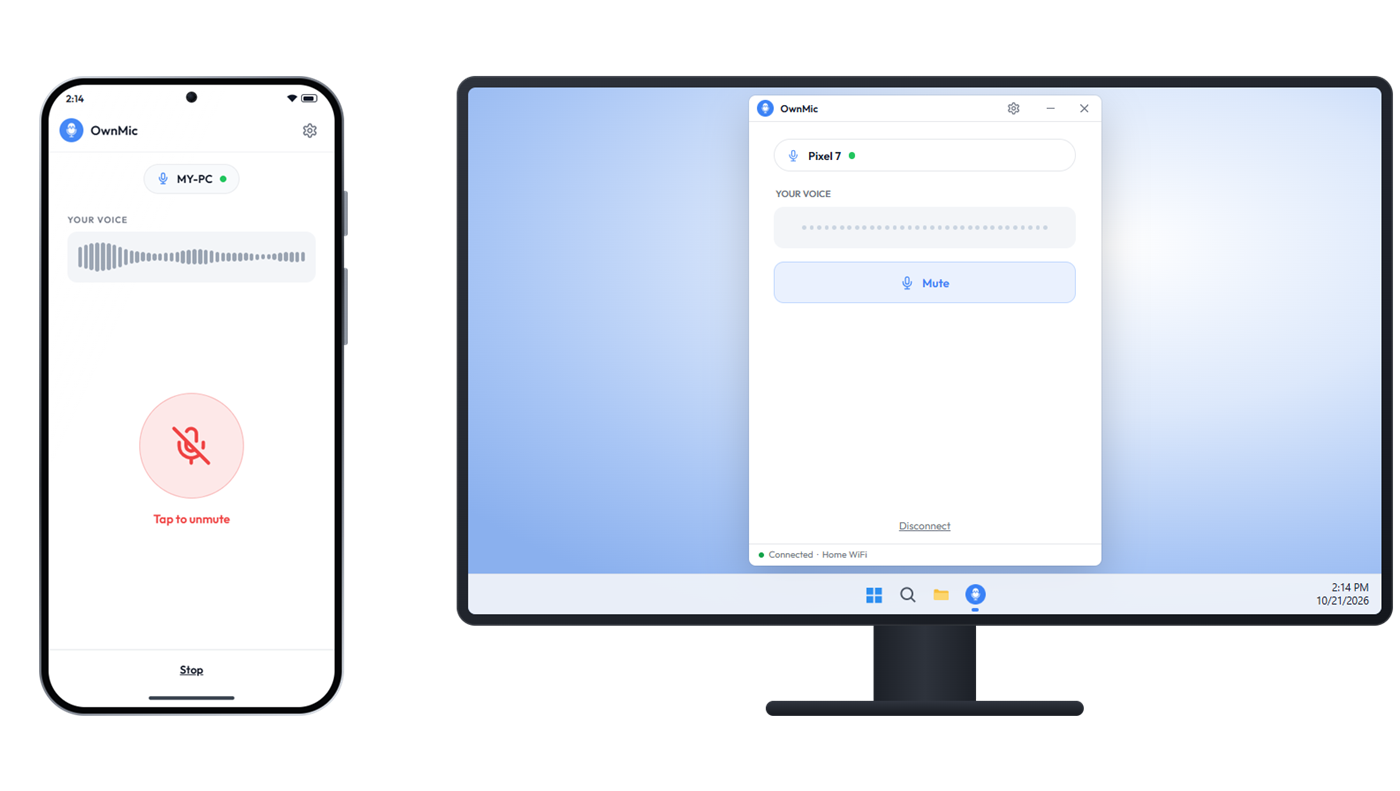
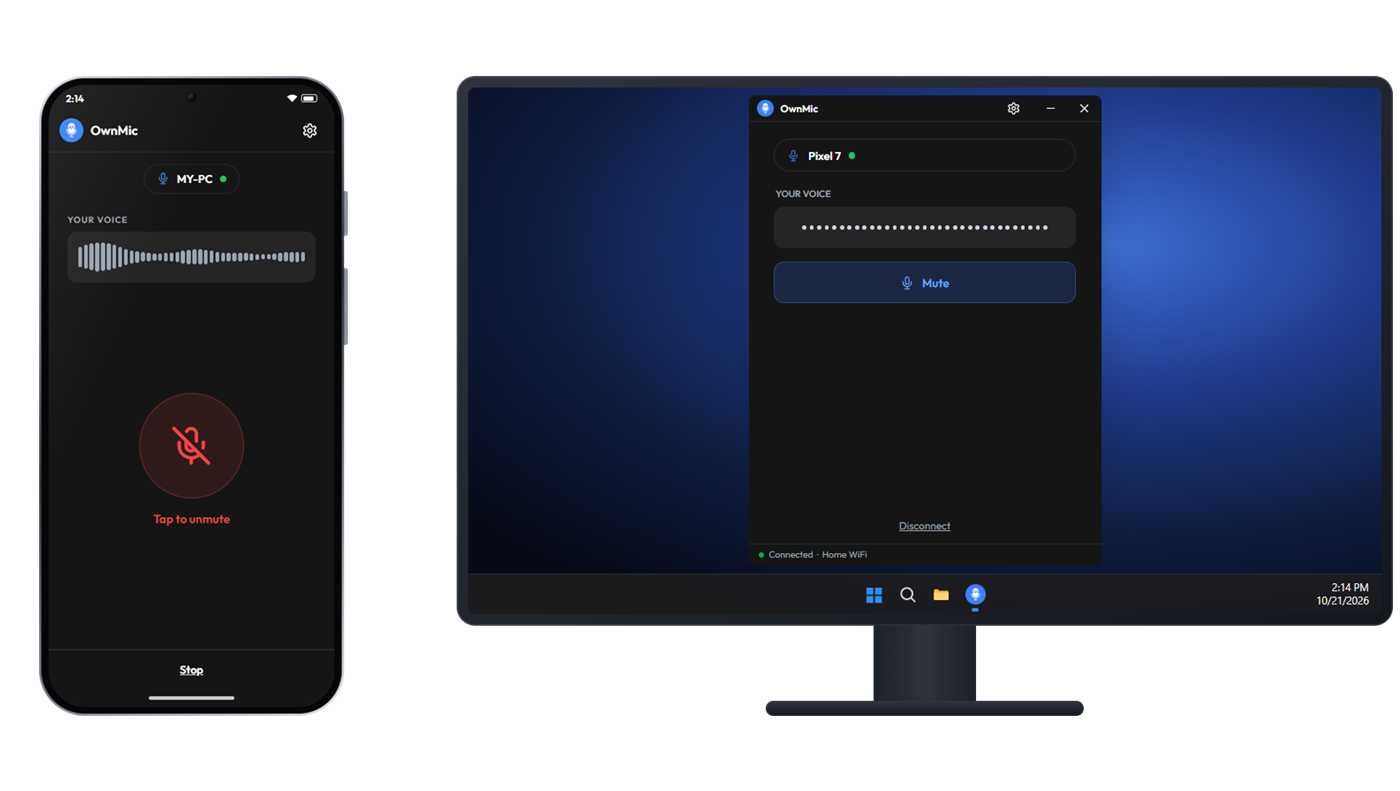
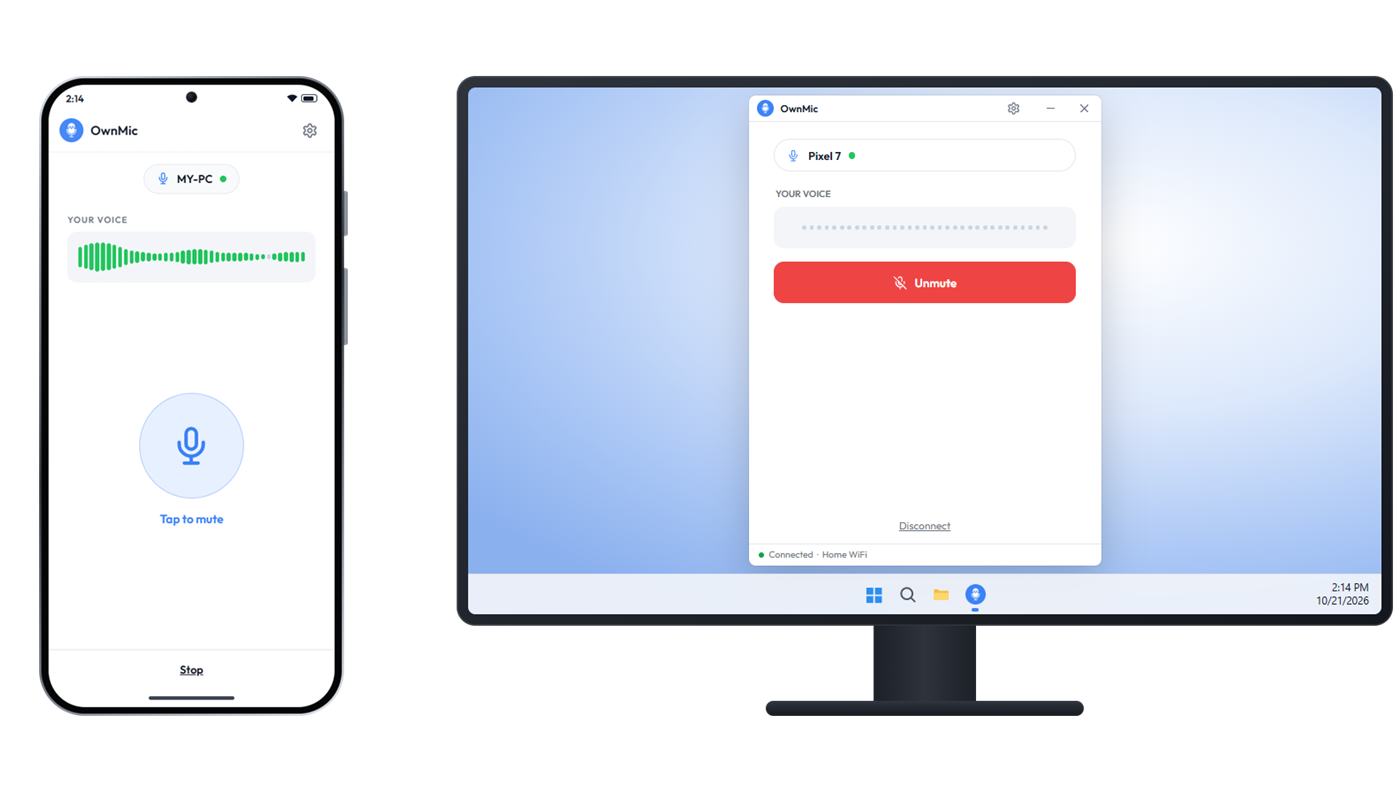
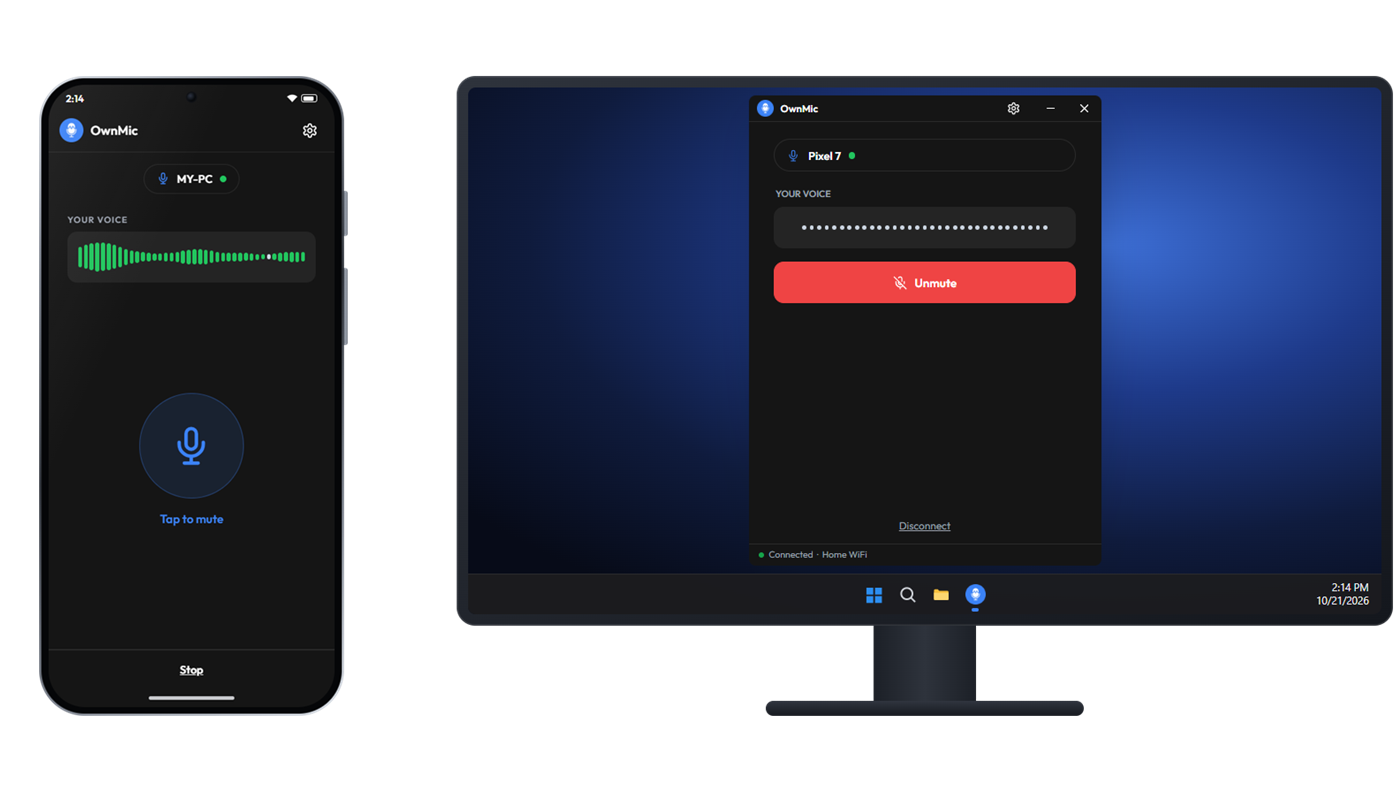
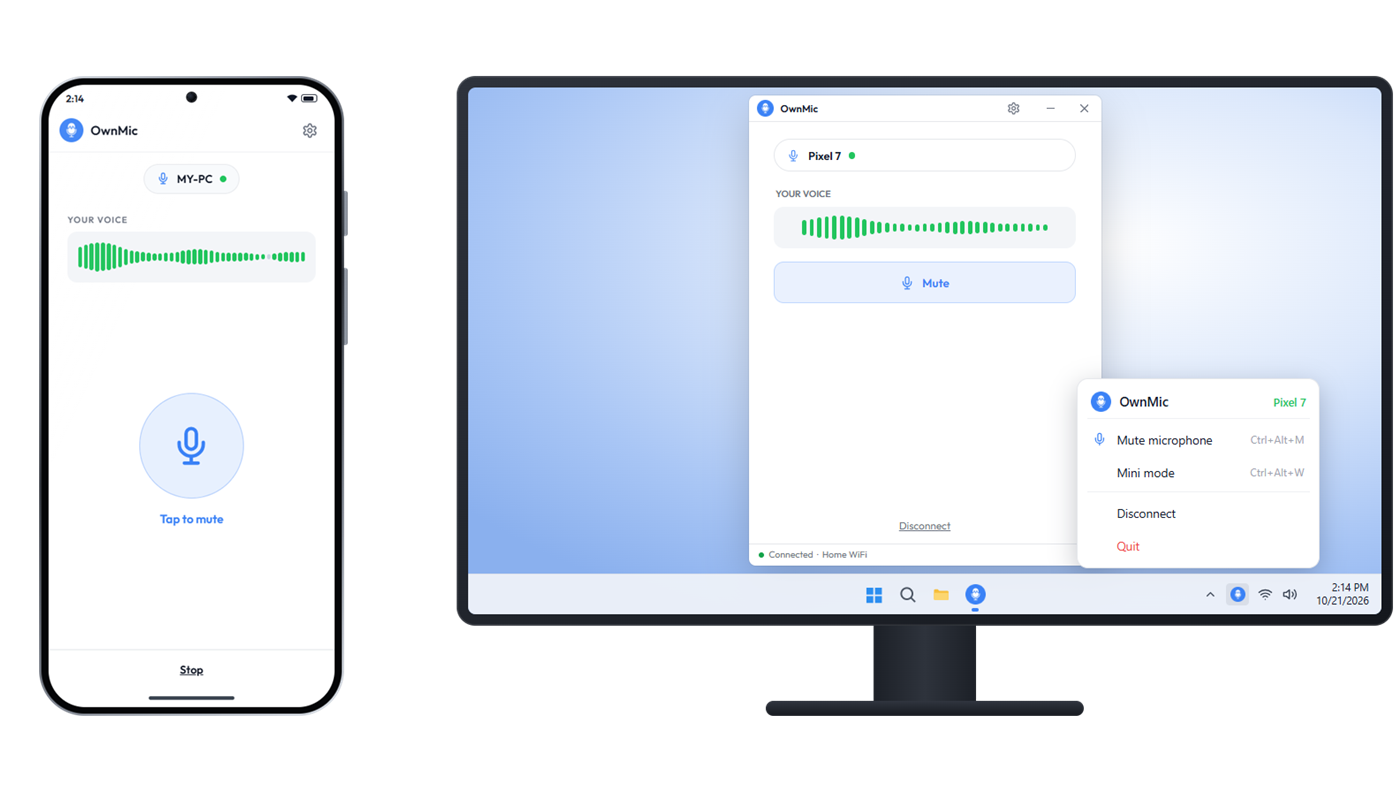
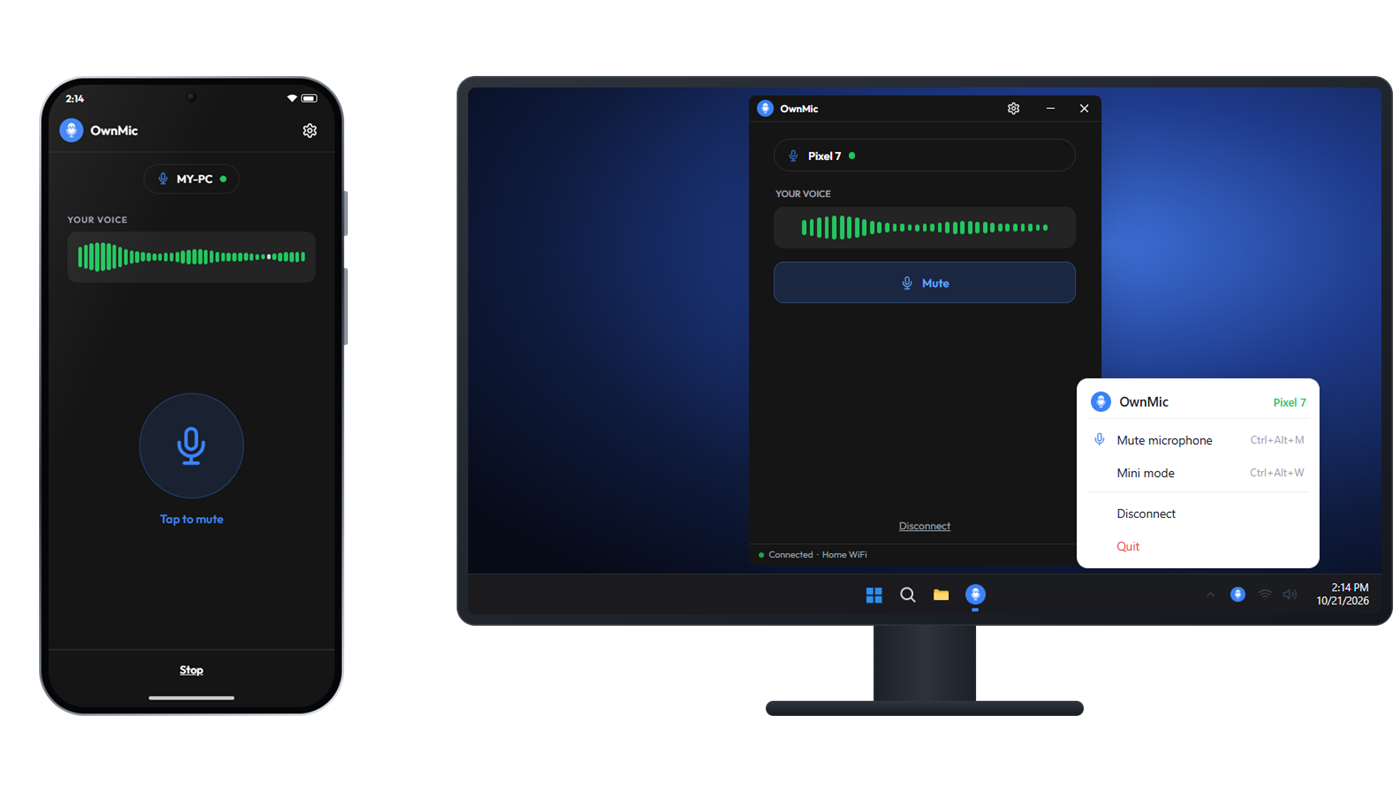
OwnMic feeds the audio into a virtual microphone so any app (Zoom, Discord, OBS, games) can use it. A free virtual audio cable provides that input device.
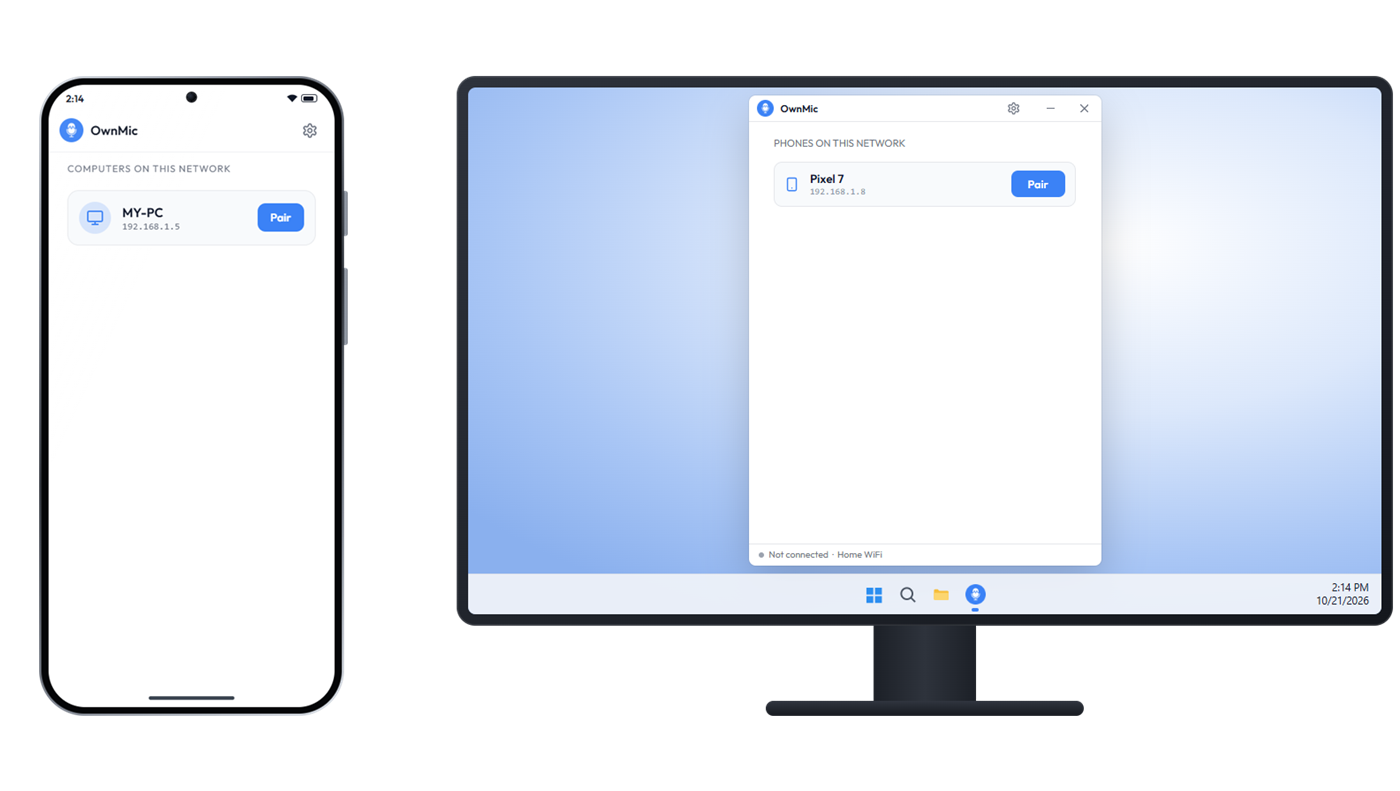
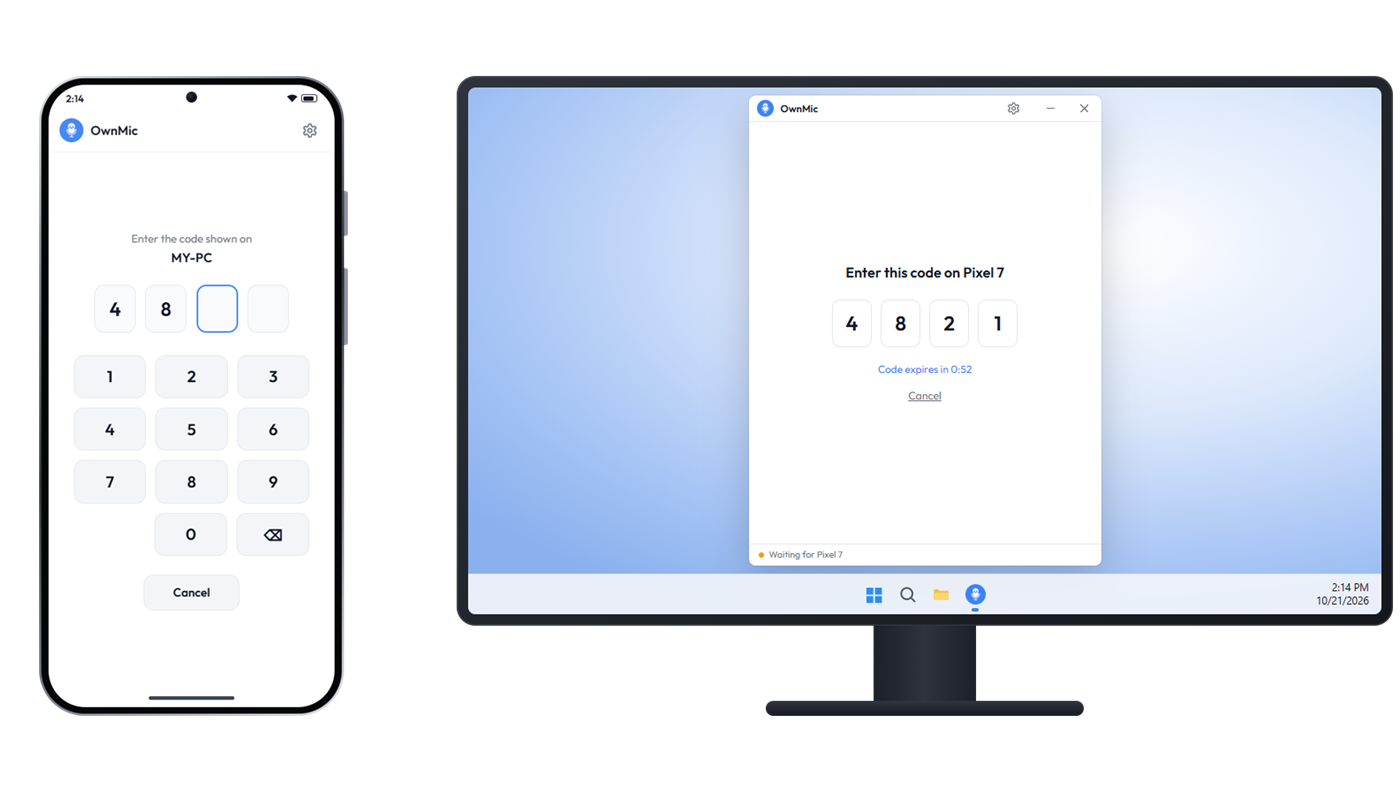
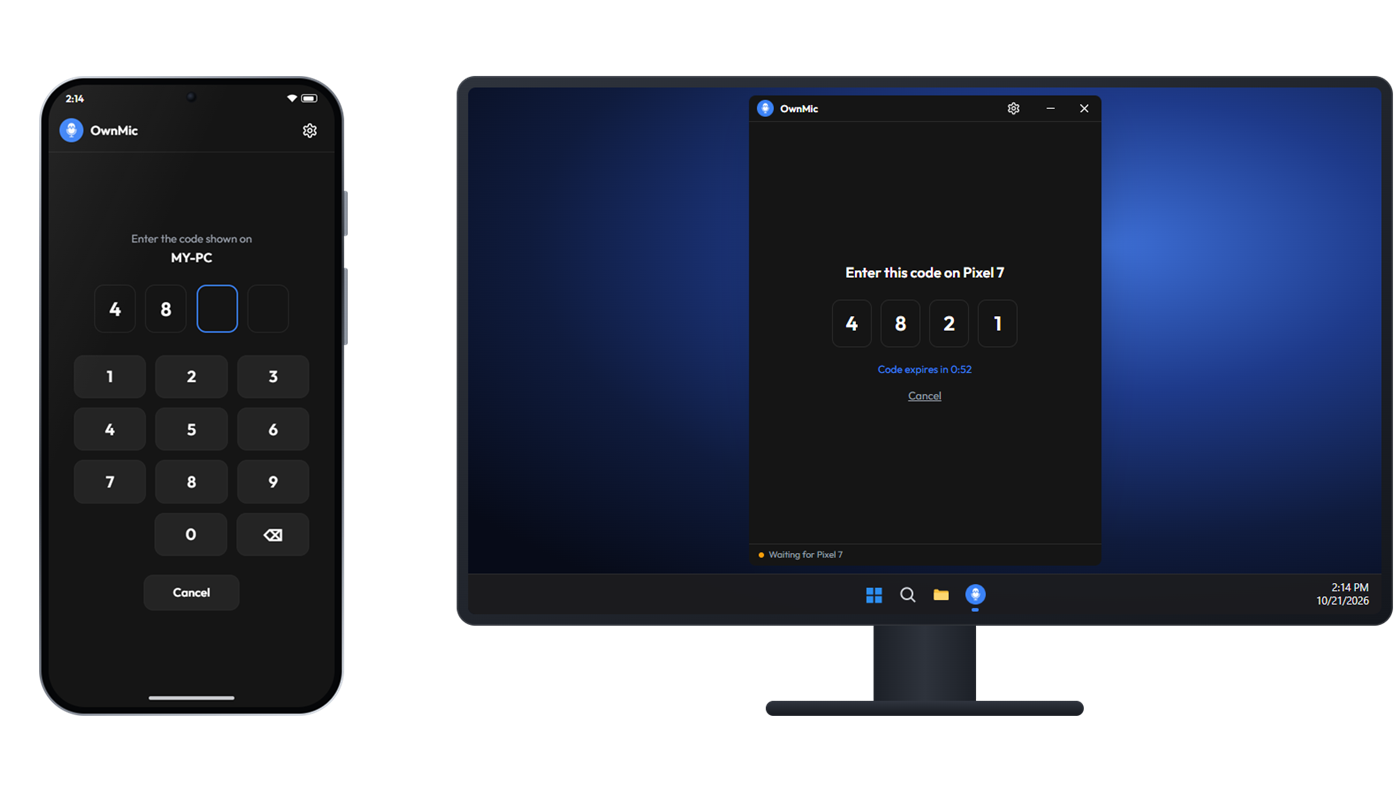
Yes. A new device must enter a PIN shown on the PC to pair. After that it's trusted, and you can "forget" it from either side at any time.
It's the same app, distributed directly. Because it's not from the Play Store, Android may ask you to allow installs from your browser once.
Yes. Both the Windows and the Android app are free to download and use, with no account and no sign-up.
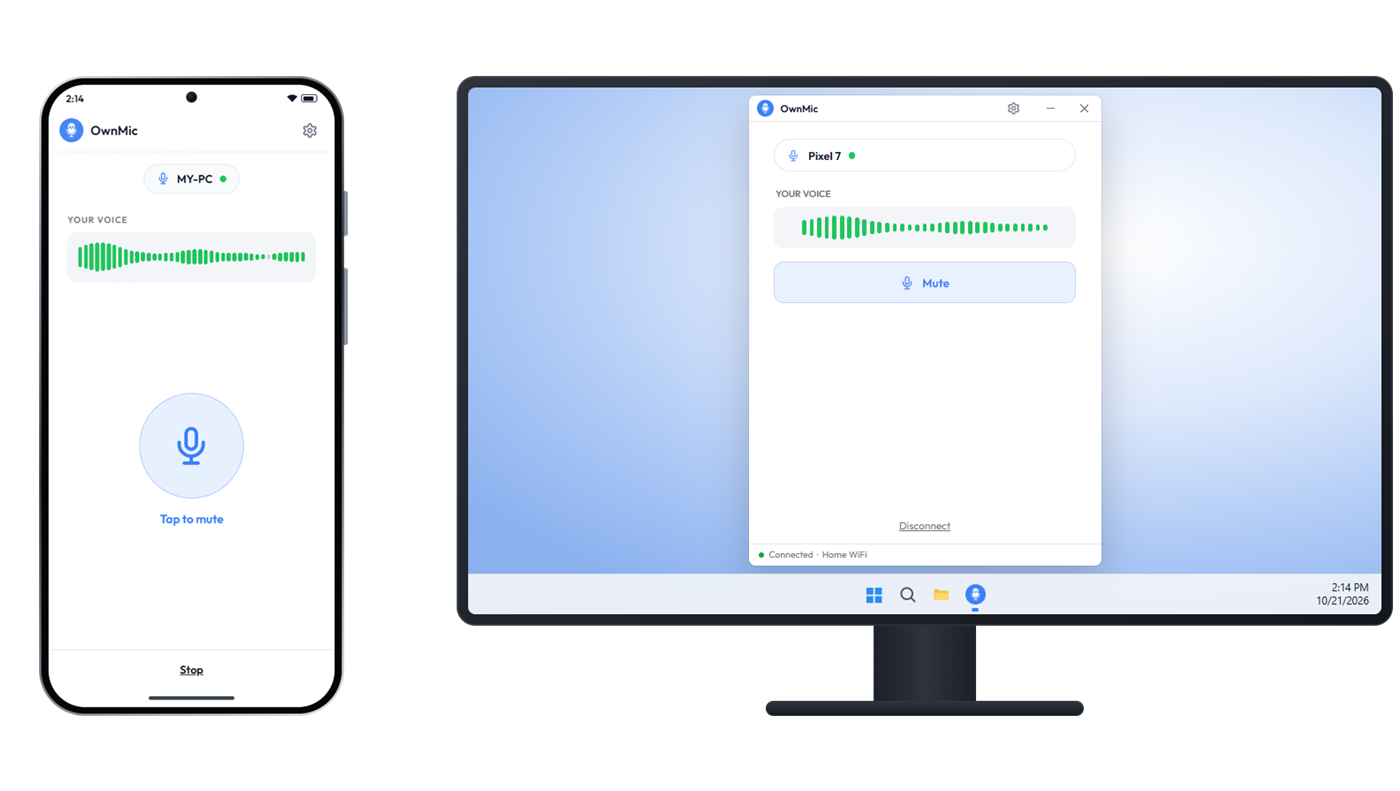
Yes. Your phone shows up as a normal microphone in Windows, so Zoom, Discord, OBS, Teams, Google Meet and games can all use it. See how to pick it in each app.
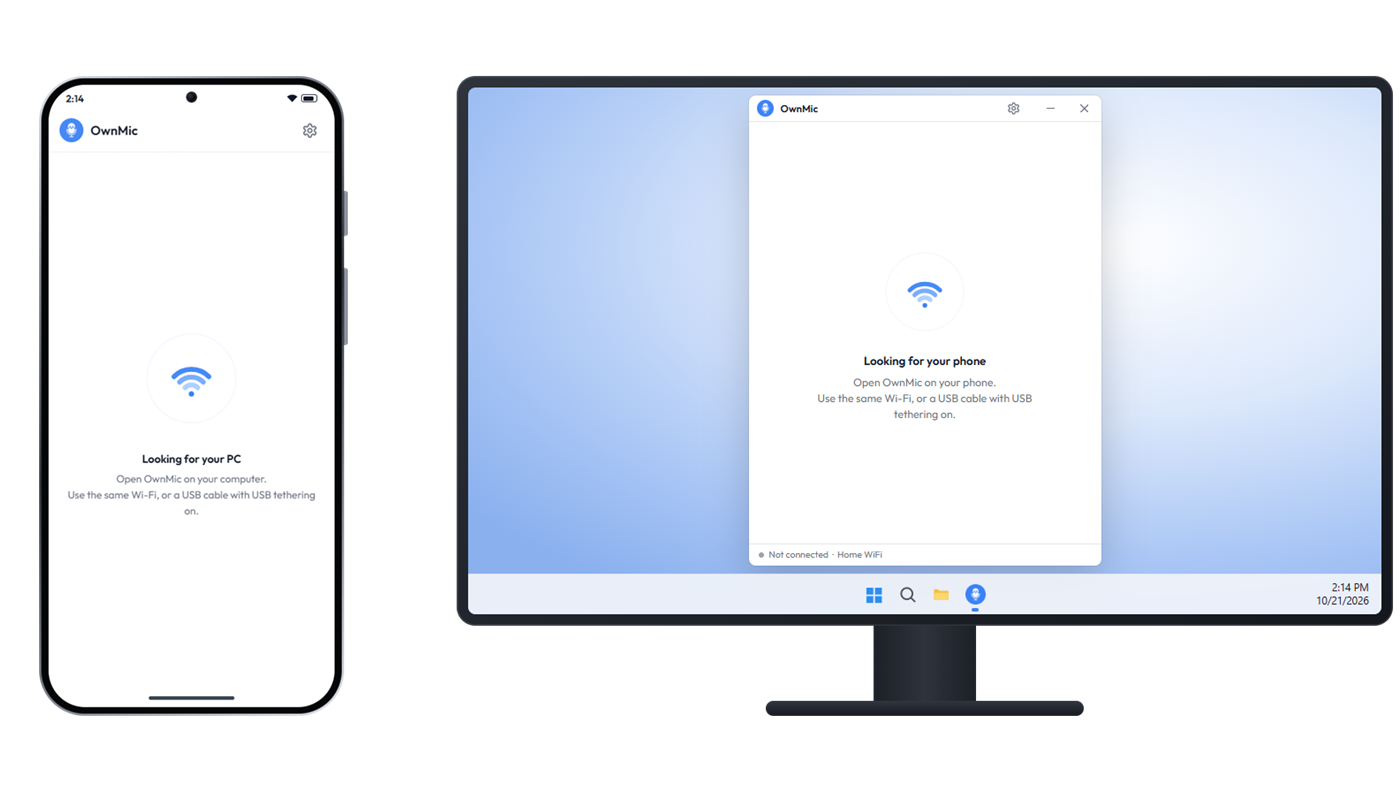
Yes. Turn on USB tethering on your phone and OwnMic connects over the cable — the steadiest option, with the lowest delay. Here's how.
Any Android phone with Android 7.0 or newer, and any Windows 10 or 11 PC. There's no iPhone or Mac version yet.