Free · Offline · No account

Turn your phone into a wireless mic for your PC

OwnMic streams your phone's microphone to Windows in real time over your Wi-Fi — low latency, secure PIN pairing, and no cables to fuss with.

Windows 10 / 11  ·  Android 7.0+  ·  v1.0.0

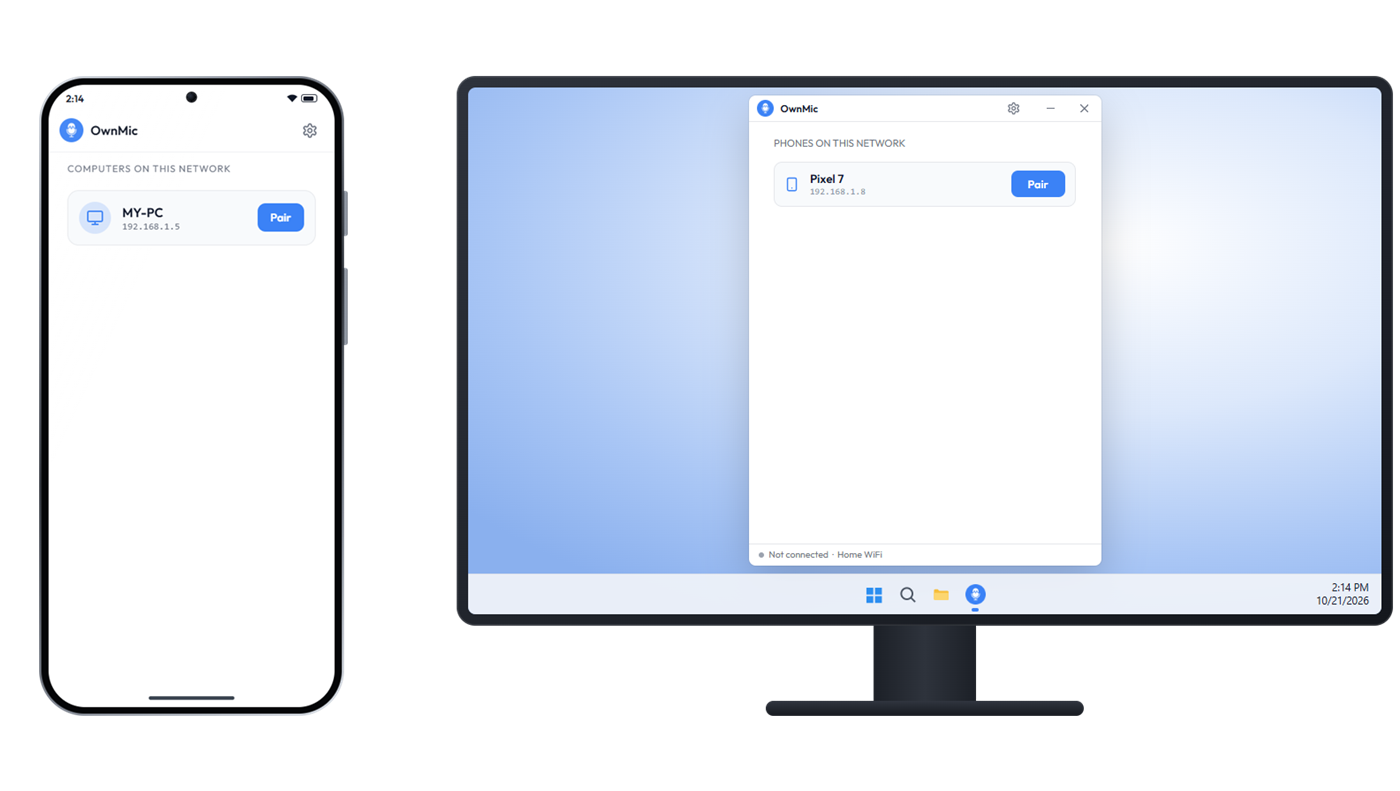
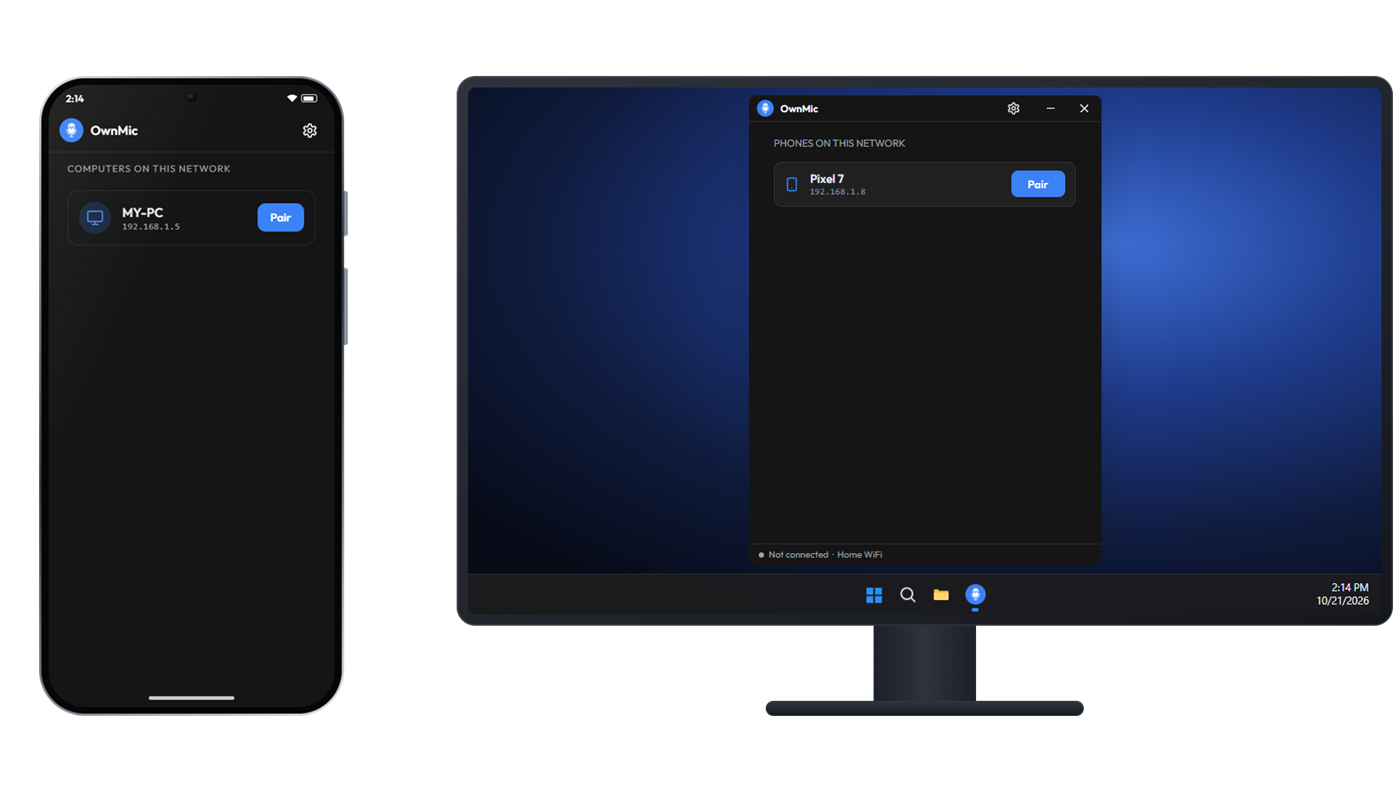
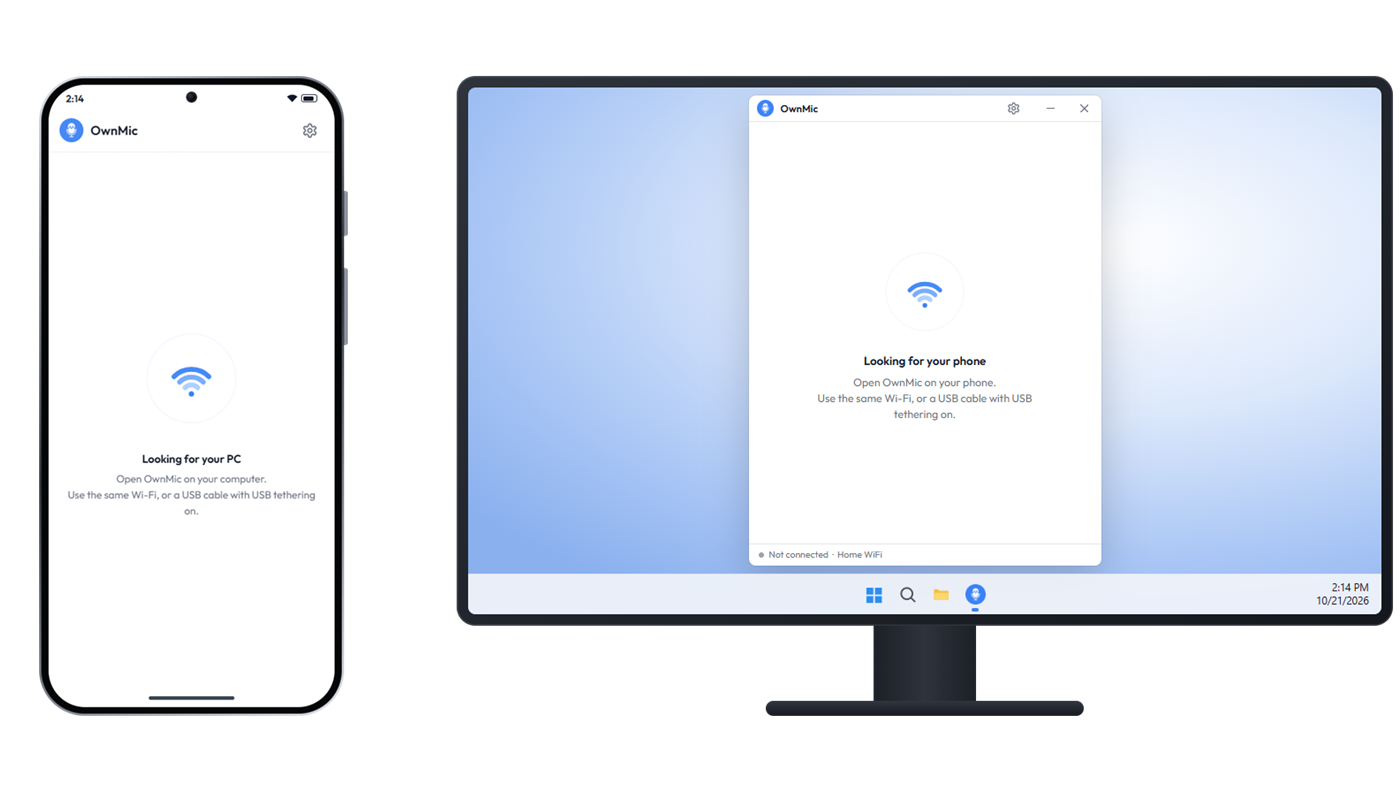
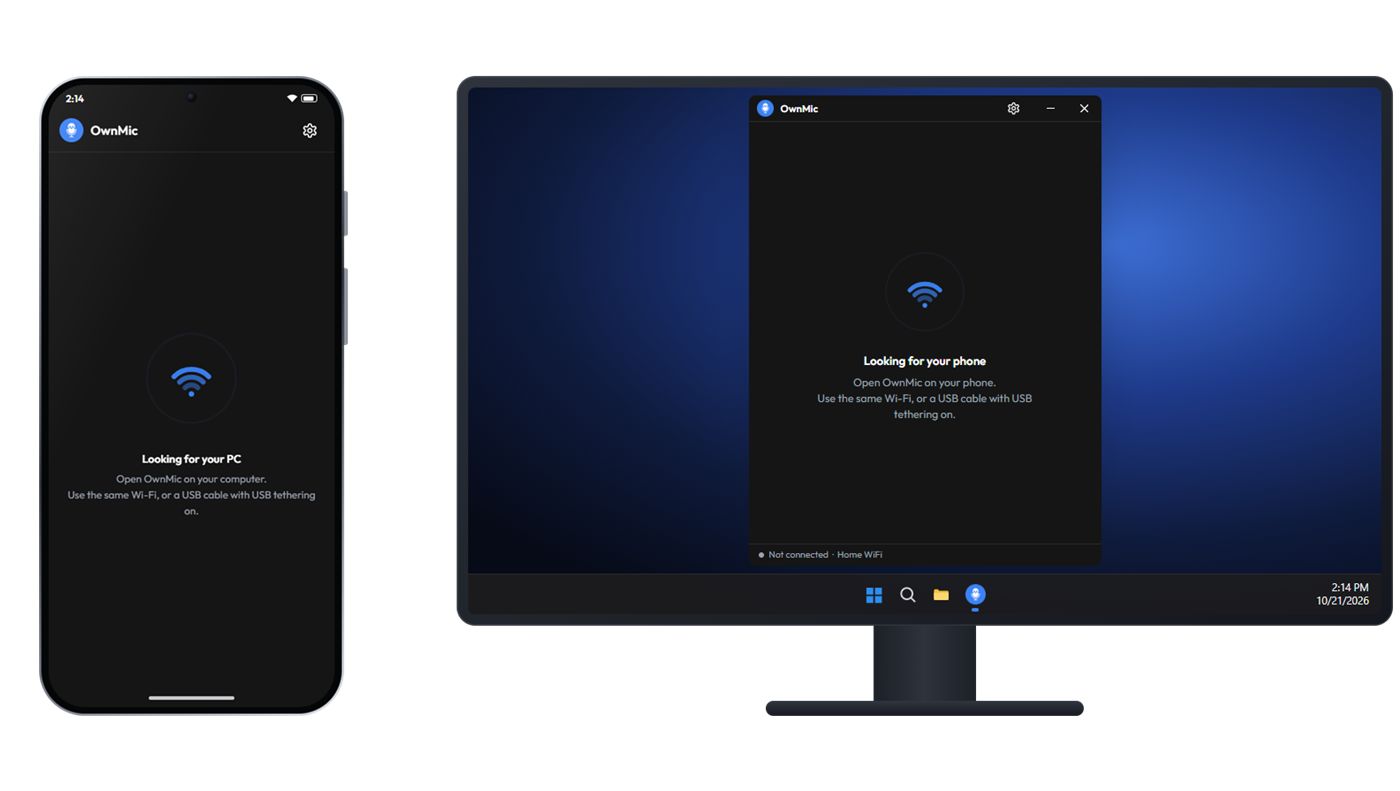
Phone and PC looking for each other
The phone lists MY-PC with a Pair button
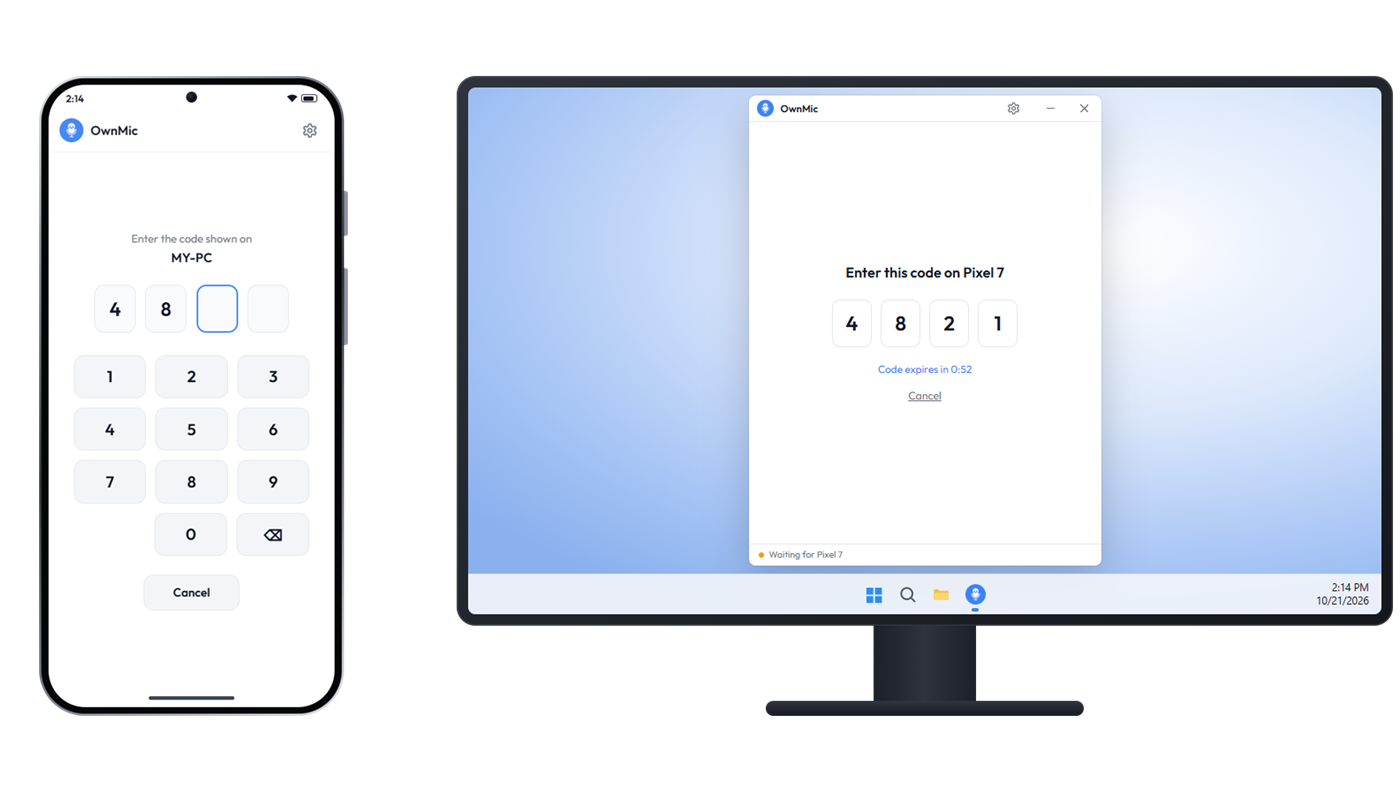
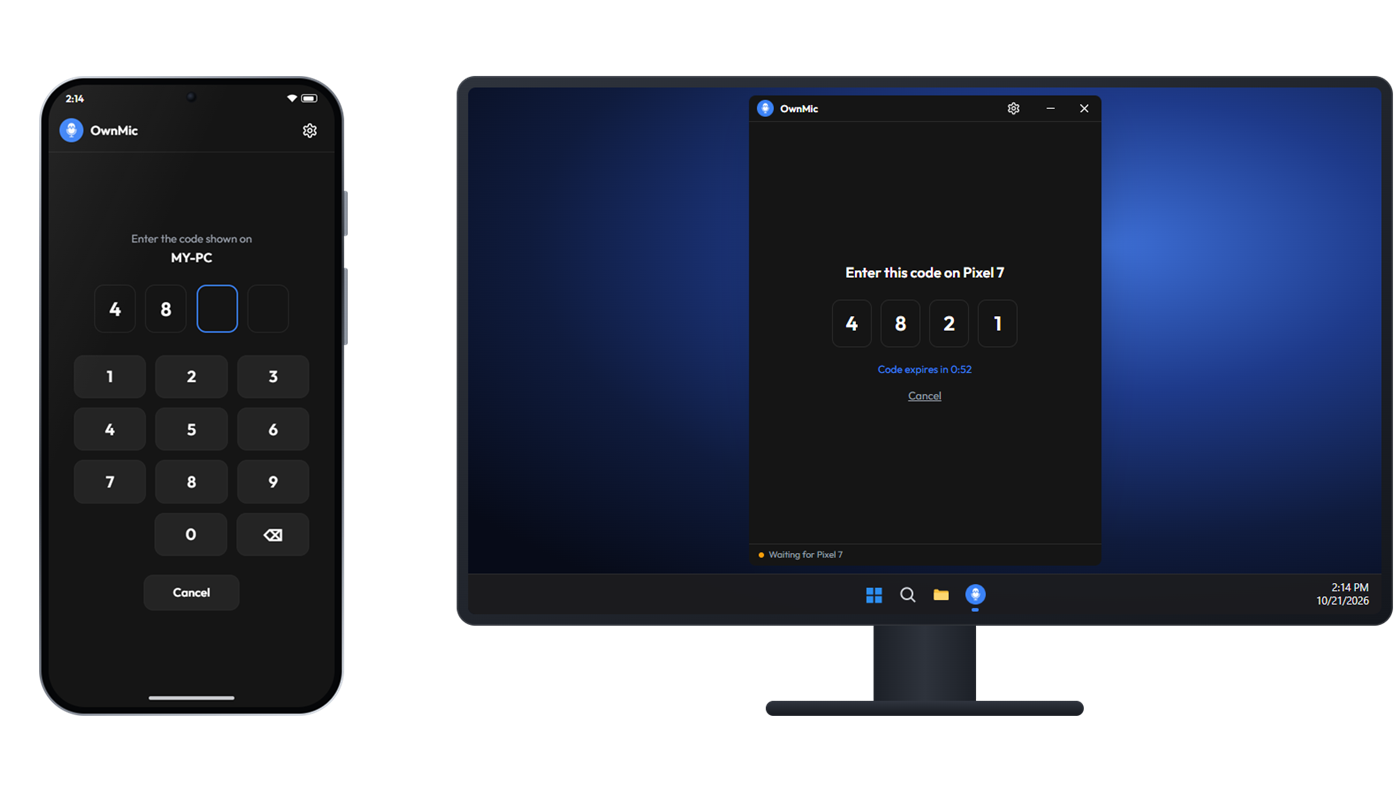
The PC shows a 4-digit PIN and the phone types it
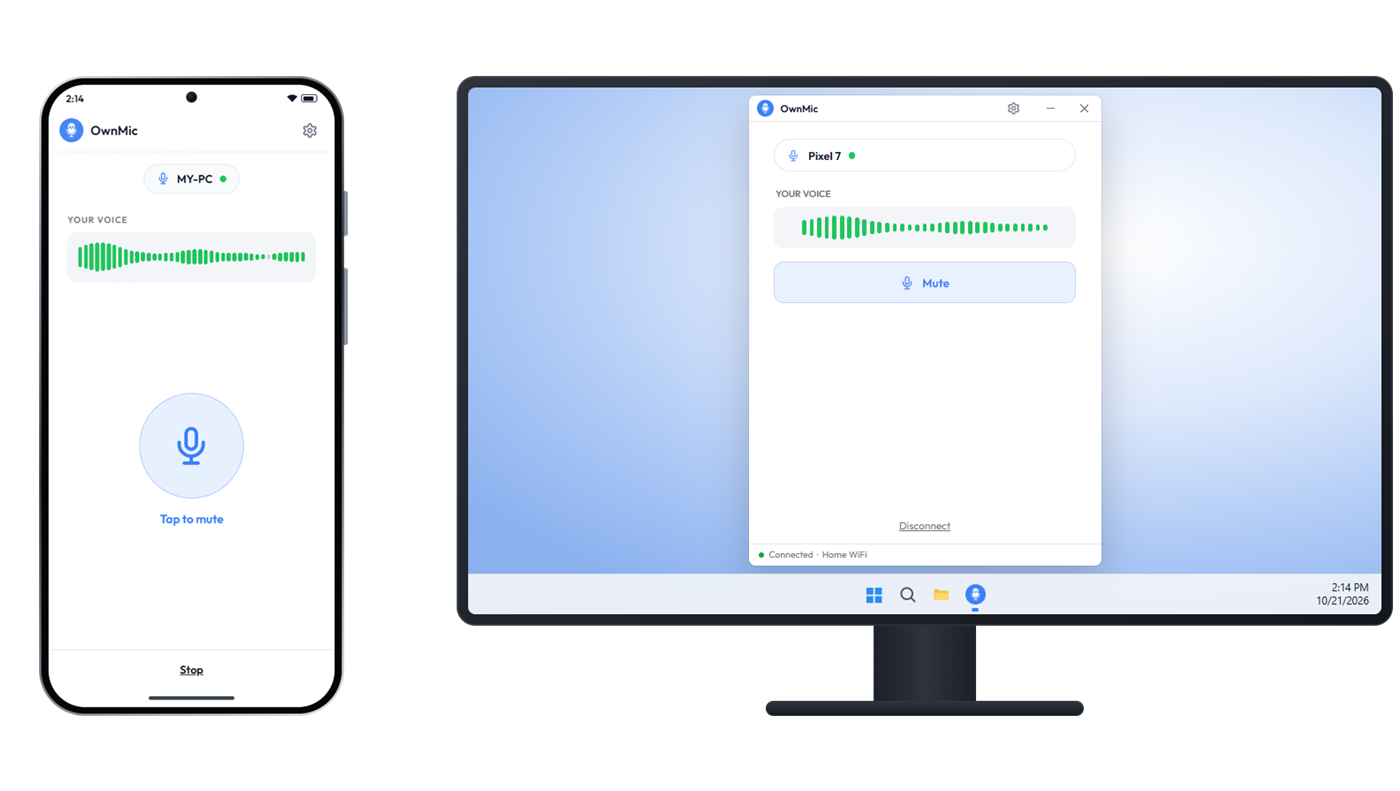
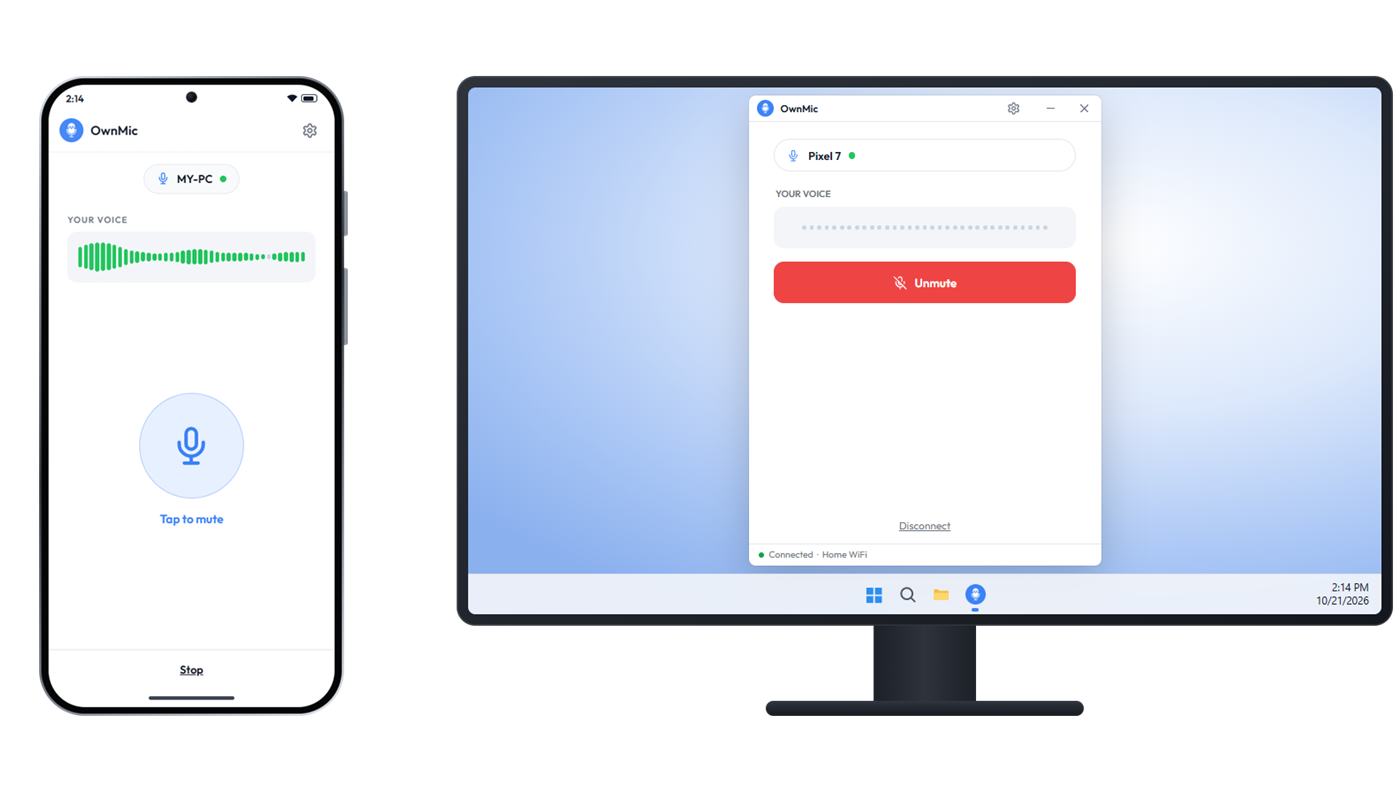
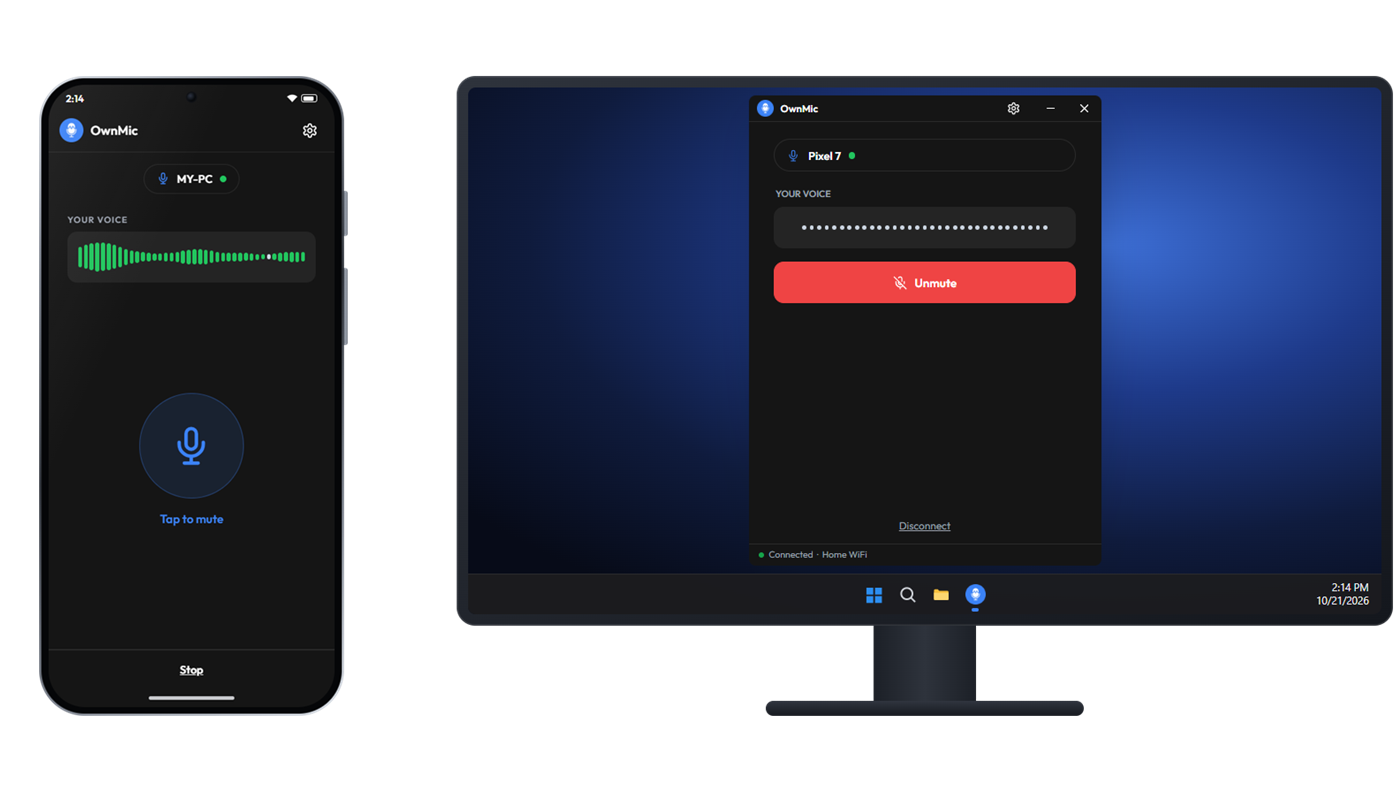
Connected: voice waves on the phone and the PC
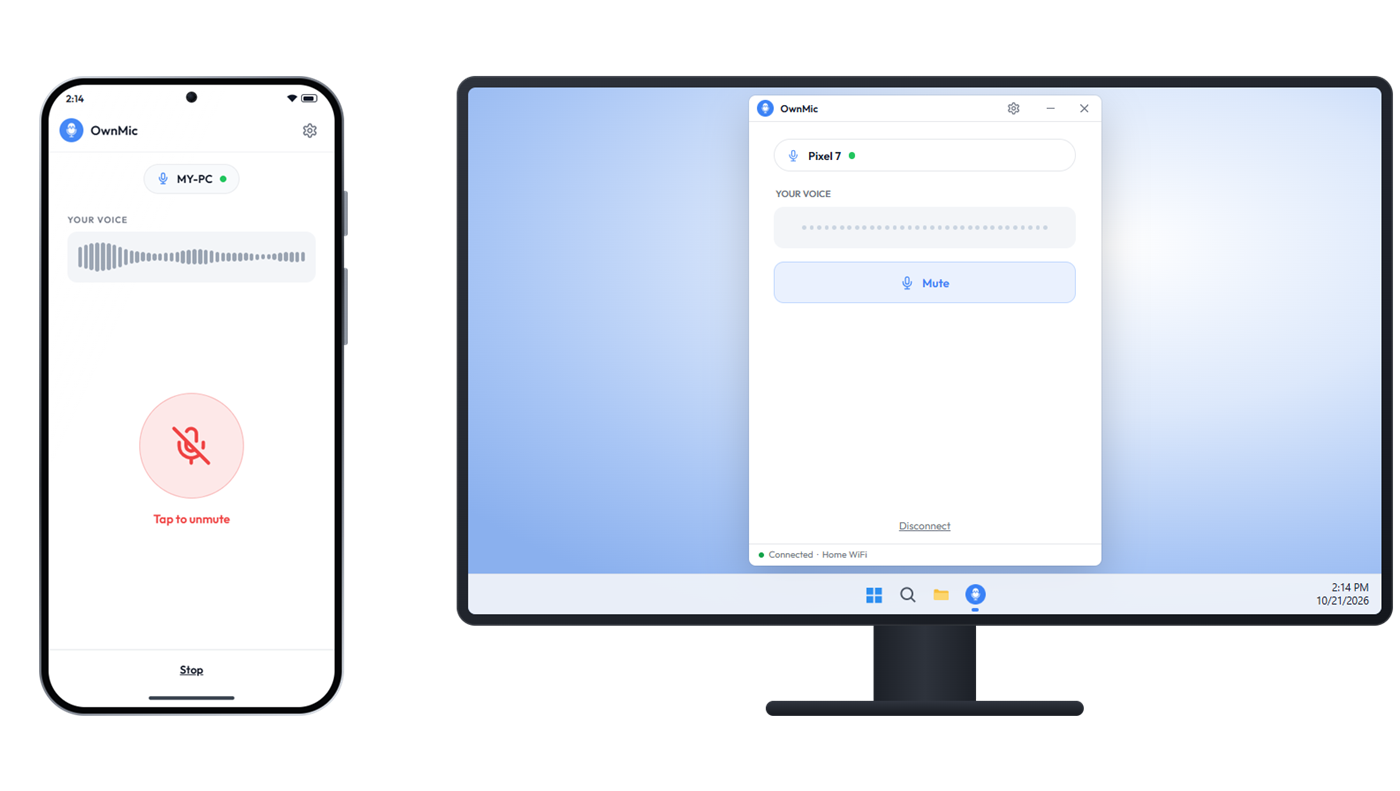
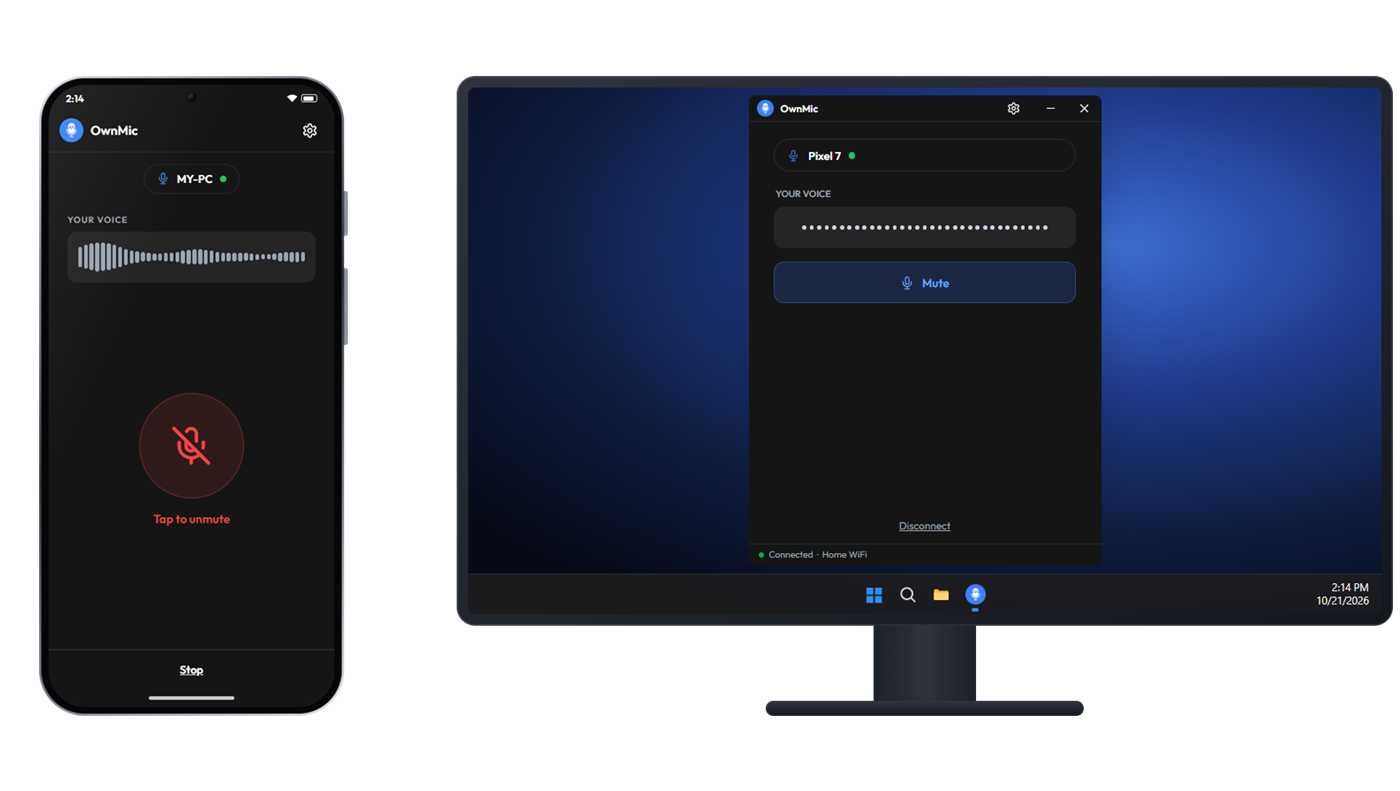
The phone is muted and the PC receives silence
The Windows app is muted: its button shows Unmute and the PC hears silence
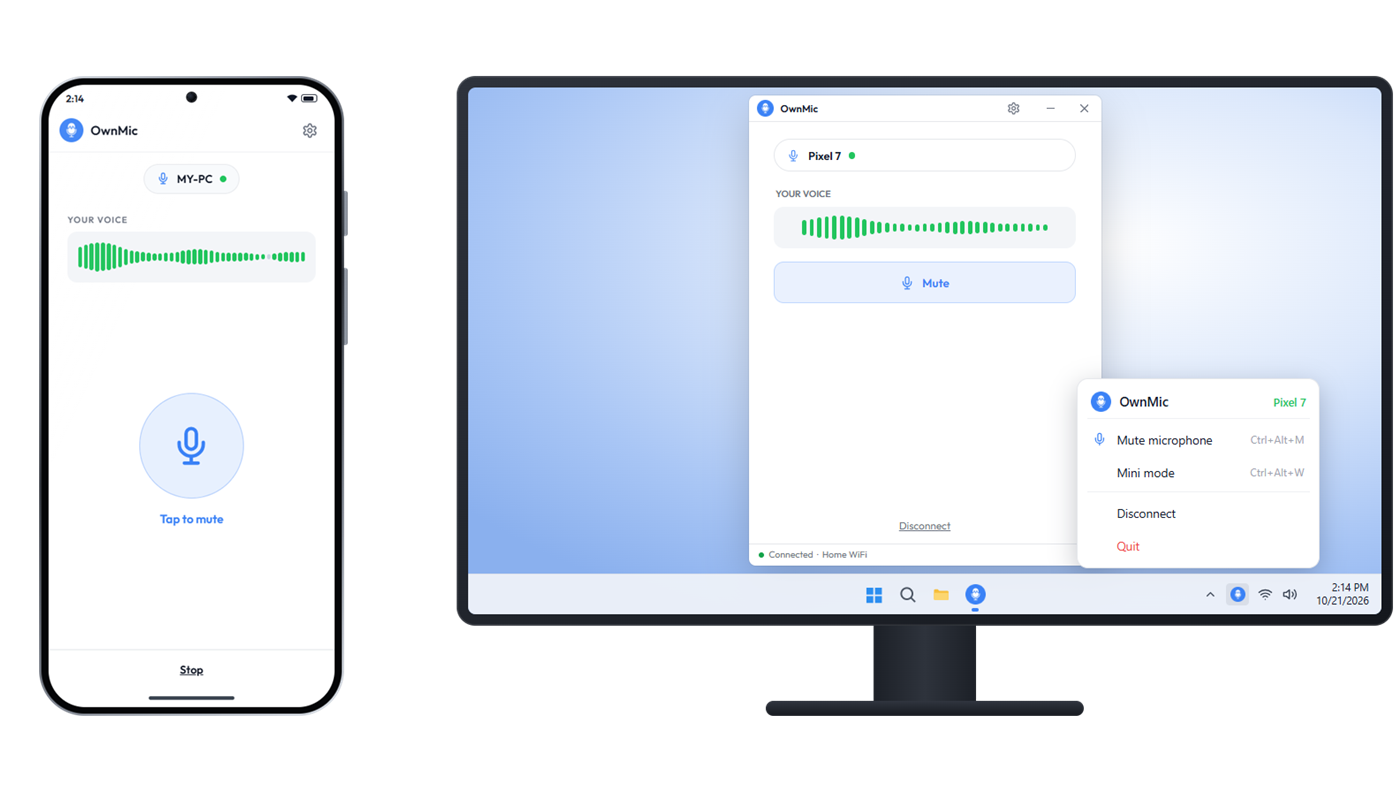
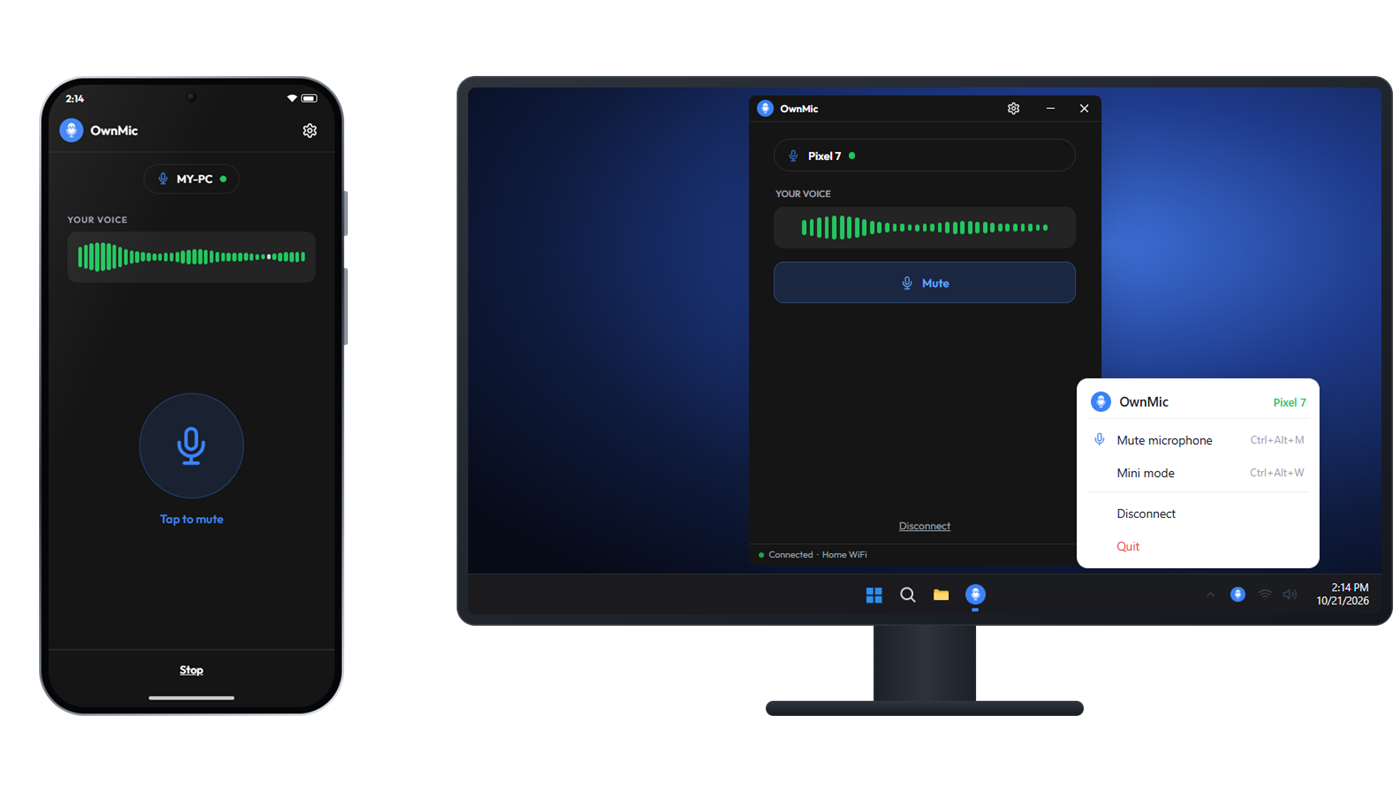
The OwnMic tray menu on Windows
Why OwnMic

Everything you need, nothing you don't

Built to be reliable and simple — a real microphone input on your PC, powered by the phone already in your pocket.

Low latency

Real-time audio tuned to stay smooth even when the Wi-Fi link is weak.

Auto-reconnect

Drops and moves out of range are handled — it reconnects on its own.

Secure PIN pairing

Pair once with a PIN; trusted devices connect instantly after that.

Tray & mini widget

Mute, switch to a floating widget, or stop — right from the taskbar.

Wi-Fi & hotspot

No router? Use your phone's hotspot — OwnMic still finds your PC.

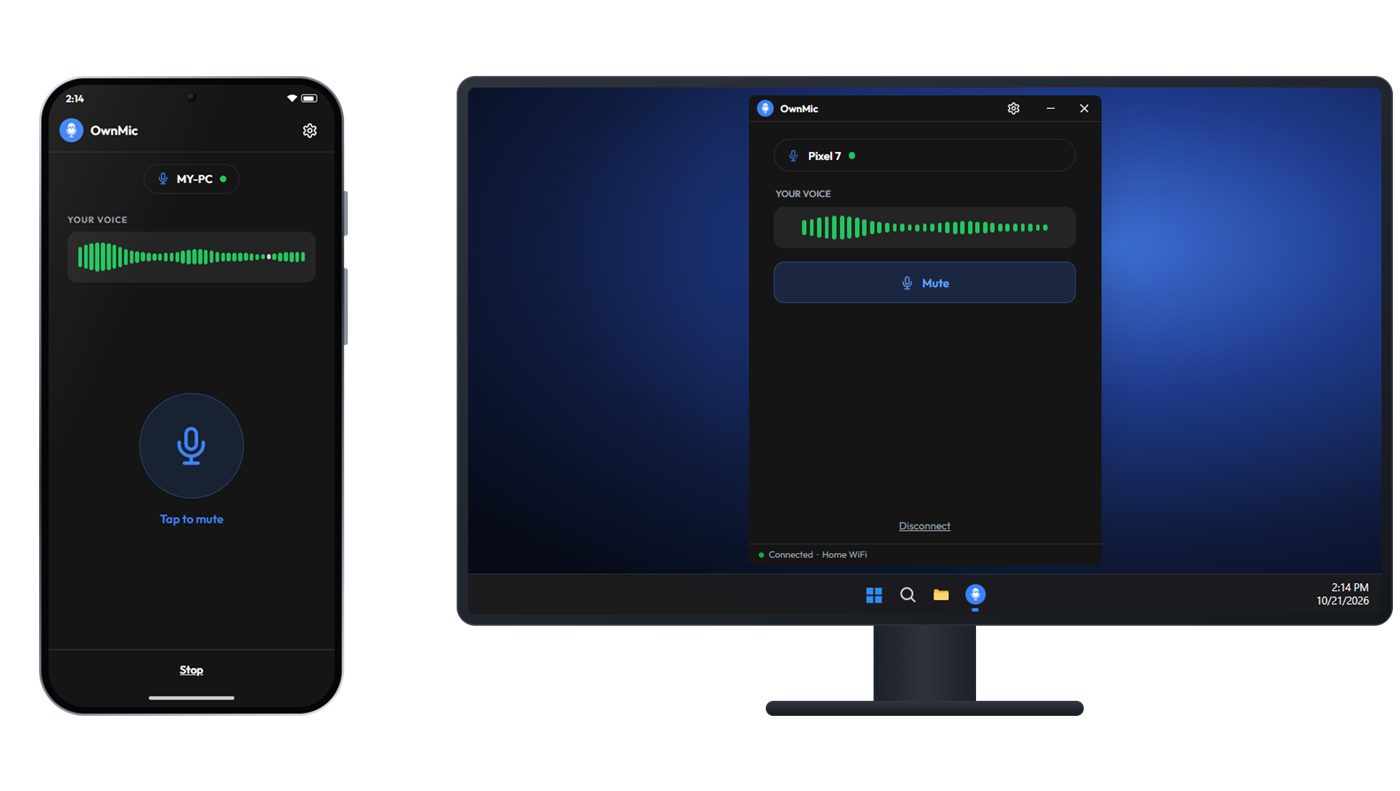
Light & dark

A clean interface that follows your system theme automatically.

How it works

Live in three steps

No drivers to hunt down, no accounts to create.

Install both apps

Get OwnMic on your Windows PC and your Android phone.

Same network

Put both on the same Wi-Fi — or turn on your phone's hotspot.

Pair & talk

Tap connect, enter the PIN once, and your phone is now your mic.

Download

Get OwnMic — it's free

Grab the app for both devices and you're ready to go.

Windows

Checking availability…
Download for Windows
Windows 10 / 11 (64-bit) · needs VB-Cable or a virtual mic

Android

Checking availability…
Download APK
Android 7.0+ · allow "install from unknown sources"
FAQ

Good to know

No. OwnMic works entirely on your local network — Wi-Fi or a phone hotspot. Nothing is sent to the internet and there's no account.

Yes. Turn on your phone's mobile hotspot and connect the PC to it, or use the PC's Mobile Hotspot — OwnMic discovers your PC either way.

OwnMic feeds the audio into a virtual microphone so any app (Zoom, Discord, OBS, games) can use it. A free virtual audio cable provides that input device.

Yes. A new device must enter a PIN shown on the PC to pair. After that it's trusted, and you can "forget" it from either side at any time.

It's the same app, distributed directly. Because it's not from the Play Store, Android may ask you to allow installs from your browser once.

Yes. Both the Windows and the Android app are free to download and use, with no account and no sign-up.

Yes. Your phone shows up as a normal microphone in Windows, so Zoom, Discord, OBS, Teams, Google Meet and games can all use it. See how to pick it in each app.

Yes. Turn on USB tethering on your phone and OwnMic connects over the cable — the steadiest option, with the lowest delay. Here's how.

Any Android phone with Android 7.0 or newer, and any Windows 10 or 11 PC. There's no iPhone or Mac version yet.
OwnMic

OwnMic Support

👋
Hey there!
What should we call you?